Chip
Chips allow users to enter information, make selections, filter content, or trigger actions.
For more information visit the ODS Core Documentation
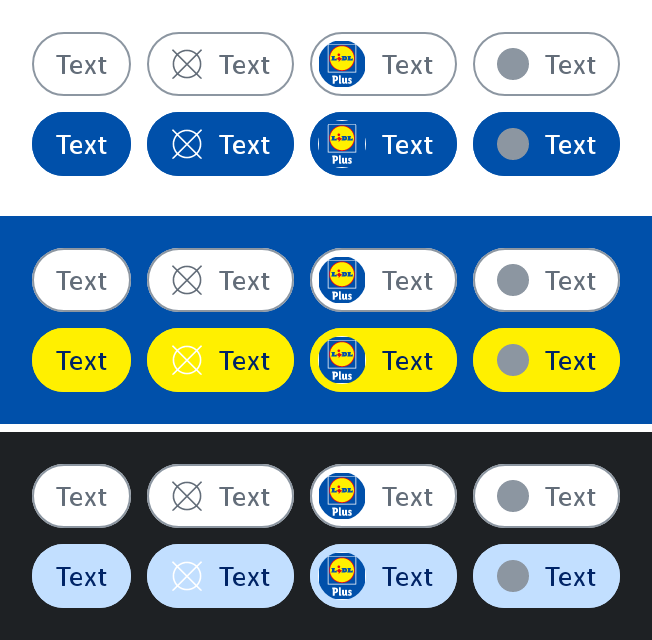
If need be, the chip can be disabled: 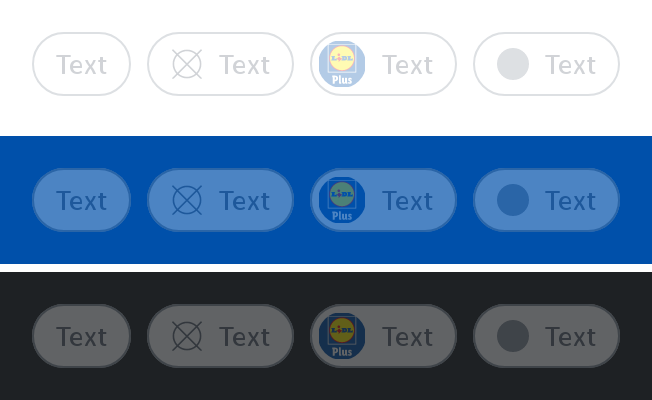
Parameters
Text to be displayed in the chip.
Whether the chip is checked or not.
Callback invoked when the checked state of the chip changes.
An optional ChipVariant for the chip. Defaults to ChipVariant.Icon with an empty icon.
An optional ChipAction for the chip. Defaults to ChipAction.None.
Whether the chip is enabled or not. Defaults to true.
An optional content description for accessibility. If not provided, text will be used.
An optional hoisted MutableInteractionSource for observing and emitting Interactions for the button. You can use this to change the button's appearance or preview the button in different states. Defaults to a remembered MutableInteractionSource.