FloatingActionButton
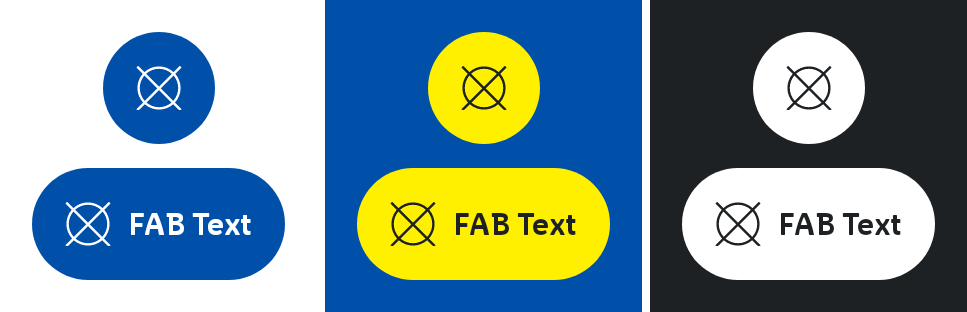
A sticky button that floats over the content of the page. It always has the highest level of emphasis on the screen.
It supports the primary navigation and offers the user a fast option to navigate.
Parameters
The Painter for the icon to display.
The action to perform when the button is clicked.
An optional Modifier to be applied to the FloatingActionButton. Defaults to Modifier.
An optional text to be displayed in the button. If empty, the text will not be displayed.
An optional optional content description for accessibility. If not provided, text will be used.
An optional hoisted MutableInteractionSource for observing and emitting Interactions for the button. You can use this to change the button's appearance or preview the button in different states. Defaults to a remembered MutableInteractionSource.